
One-tap recording
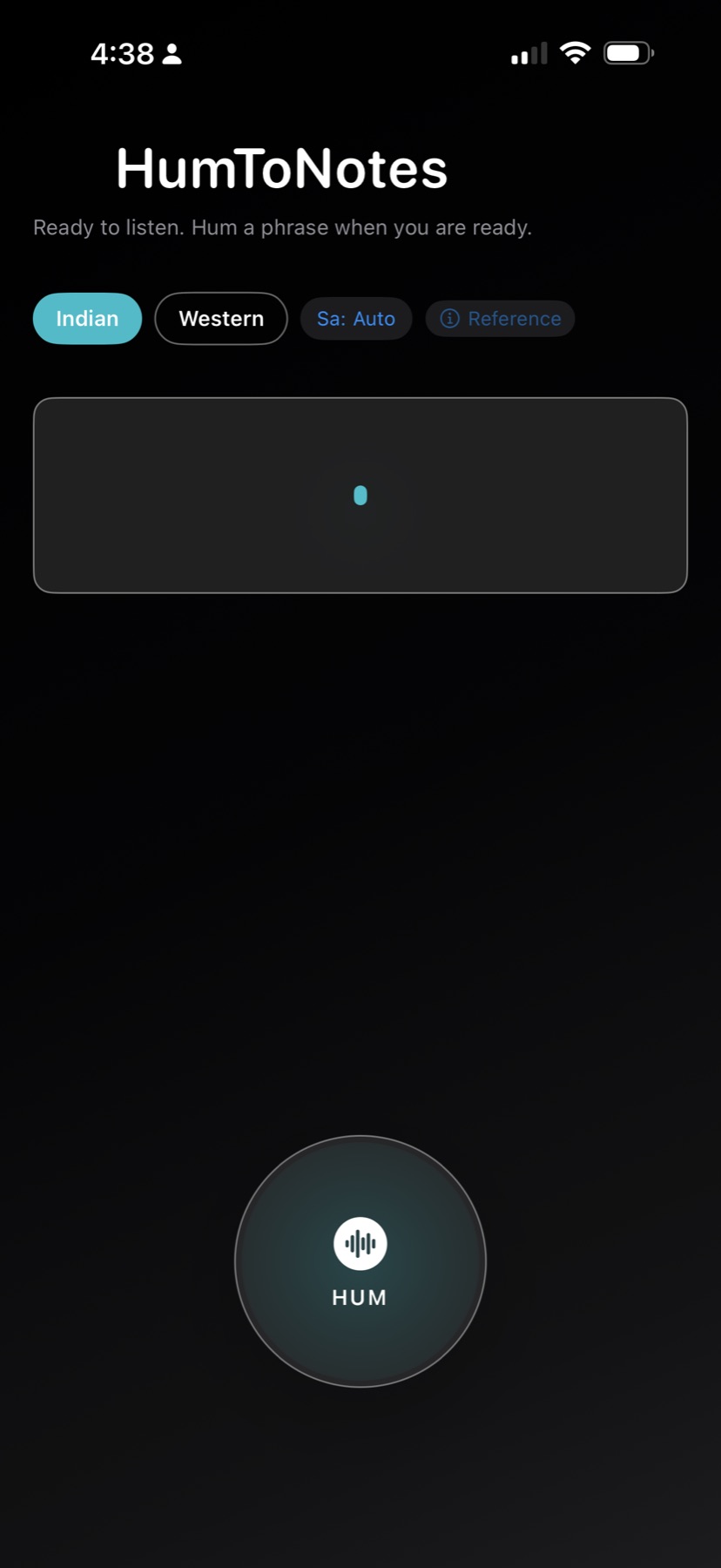
Start and stop in seconds. Designed for low-friction capture when inspiration hits.
Humming → Notes
HumToNotes records your voice, detects pitch, and maps it to readable note results — great for capturing melodies fast.
*Your exact app behavior depends on your build; see Privacy.
Built for quick, repeatable results — with a modern, minimal interface.
Start and stop in seconds. Designed for low-friction capture when inspiration hits.
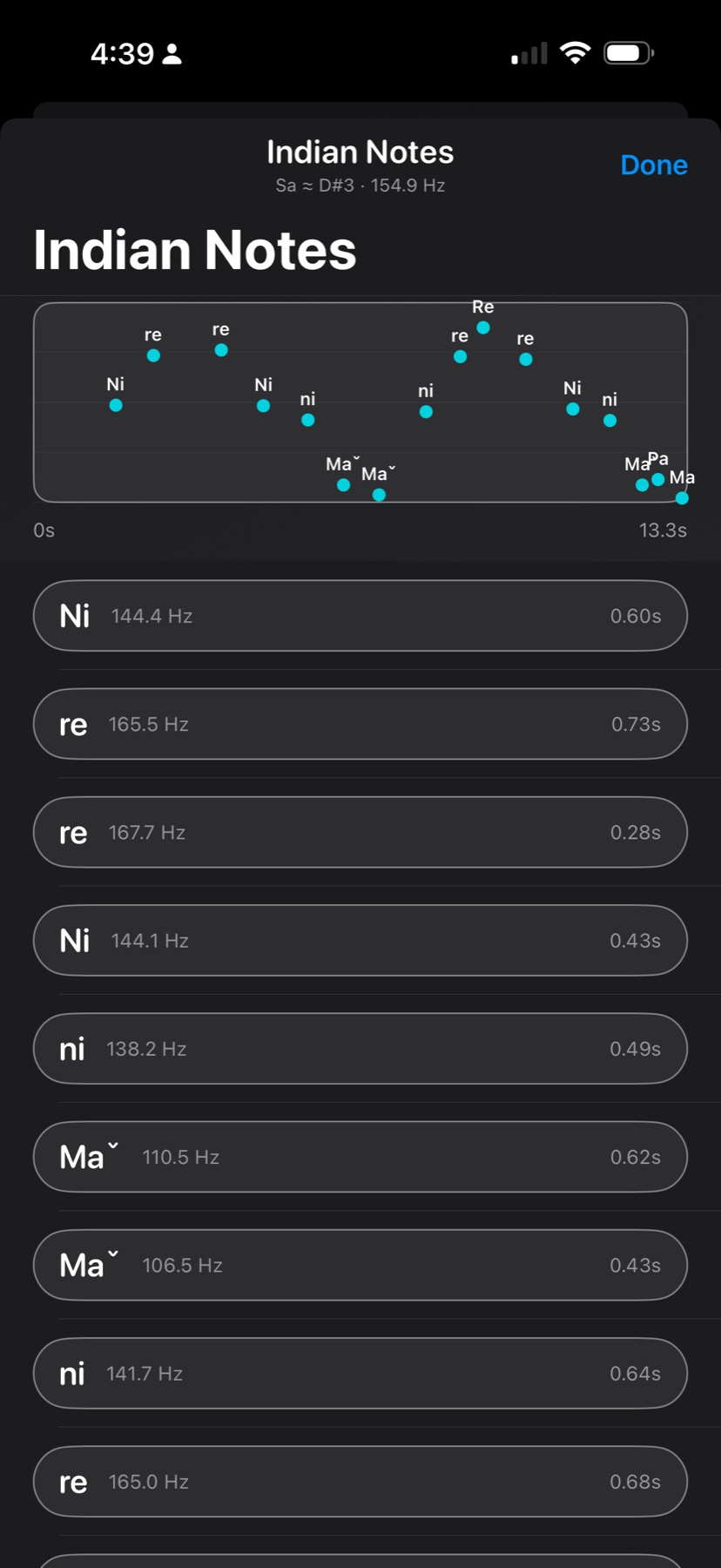
Detect pitch and map it to musical notes so you can recreate the melody elsewhere.
Review the detected notes and refine your idea without leaving the app.
No accounts, no setup. A focused tool that does one job well.
Great for songwriters, producers, students, and anyone learning melody by ear.
Optimized for modern iOS devices with smooth animations and responsive layouts.
Three steps from idea to notes.
Hum or sing a short phrase. Keep it steady for best results.
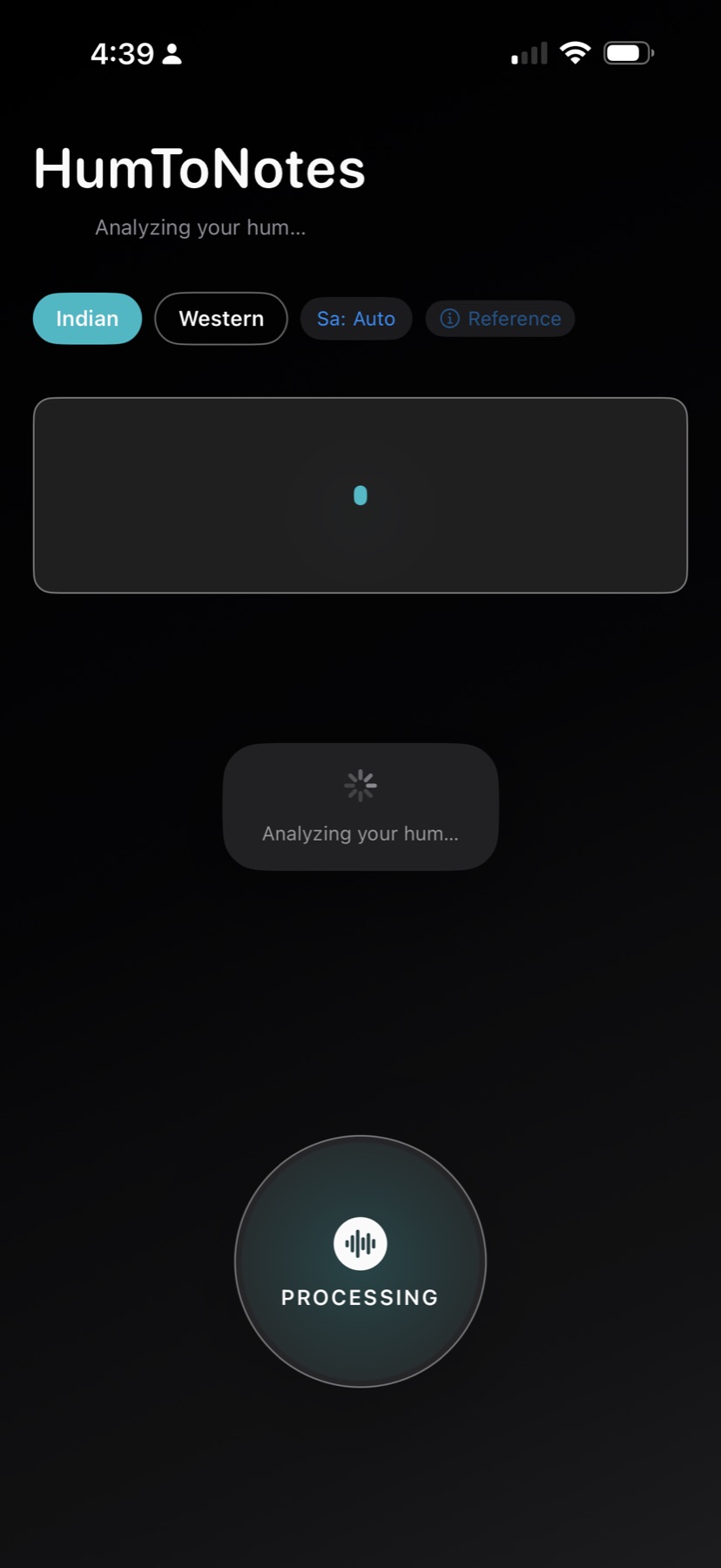
HumToNotes analyzes pitch over time and segments the melody.
See the mapped notes and use them in your DAW, notation app, or practice.
If you’ve searched for “humming to notes” or “pitch to note”, HumToNotes is a lightweight iPhone app designed to capture melodies quickly. Record a short hum, detect pitch, and review the mapped musical notes.
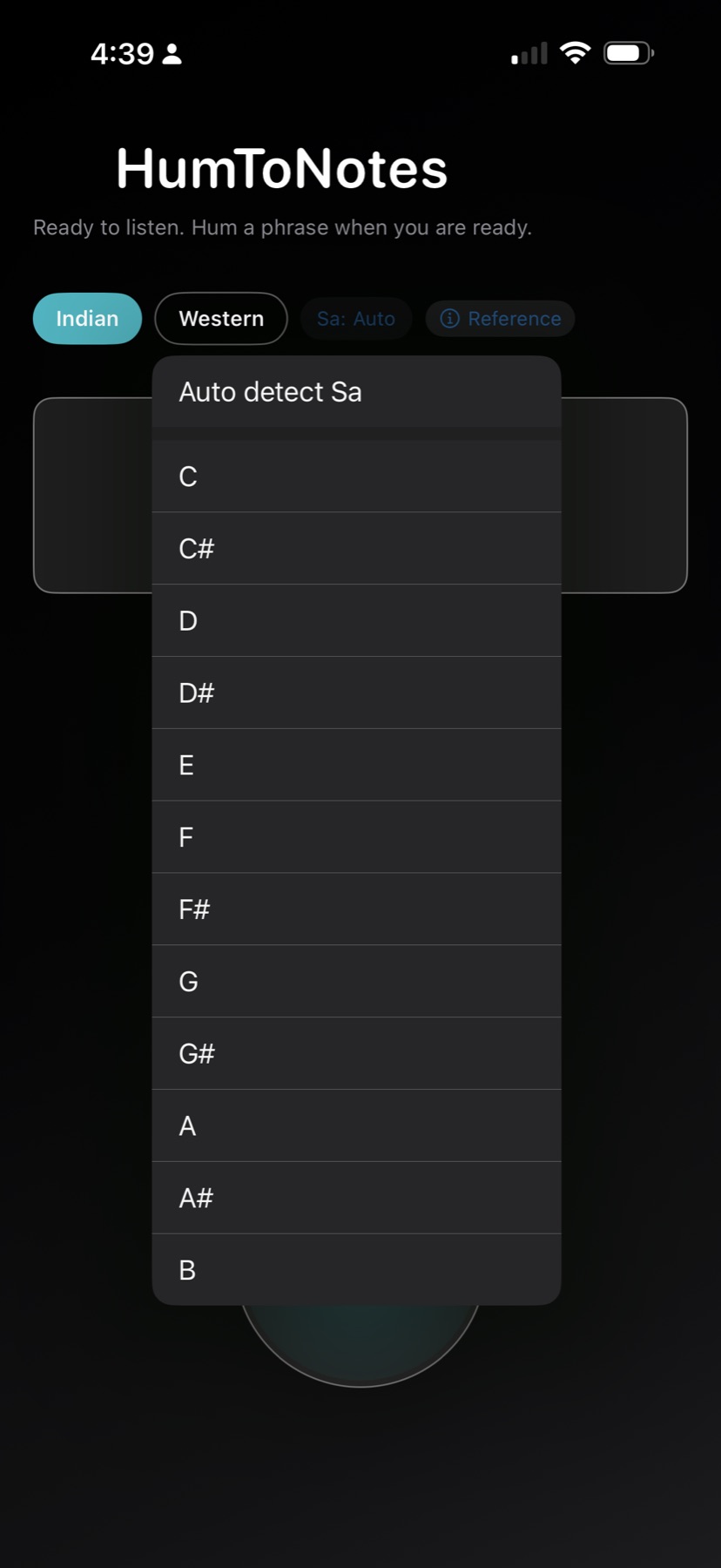
A quick look at the HumToNotes flow.
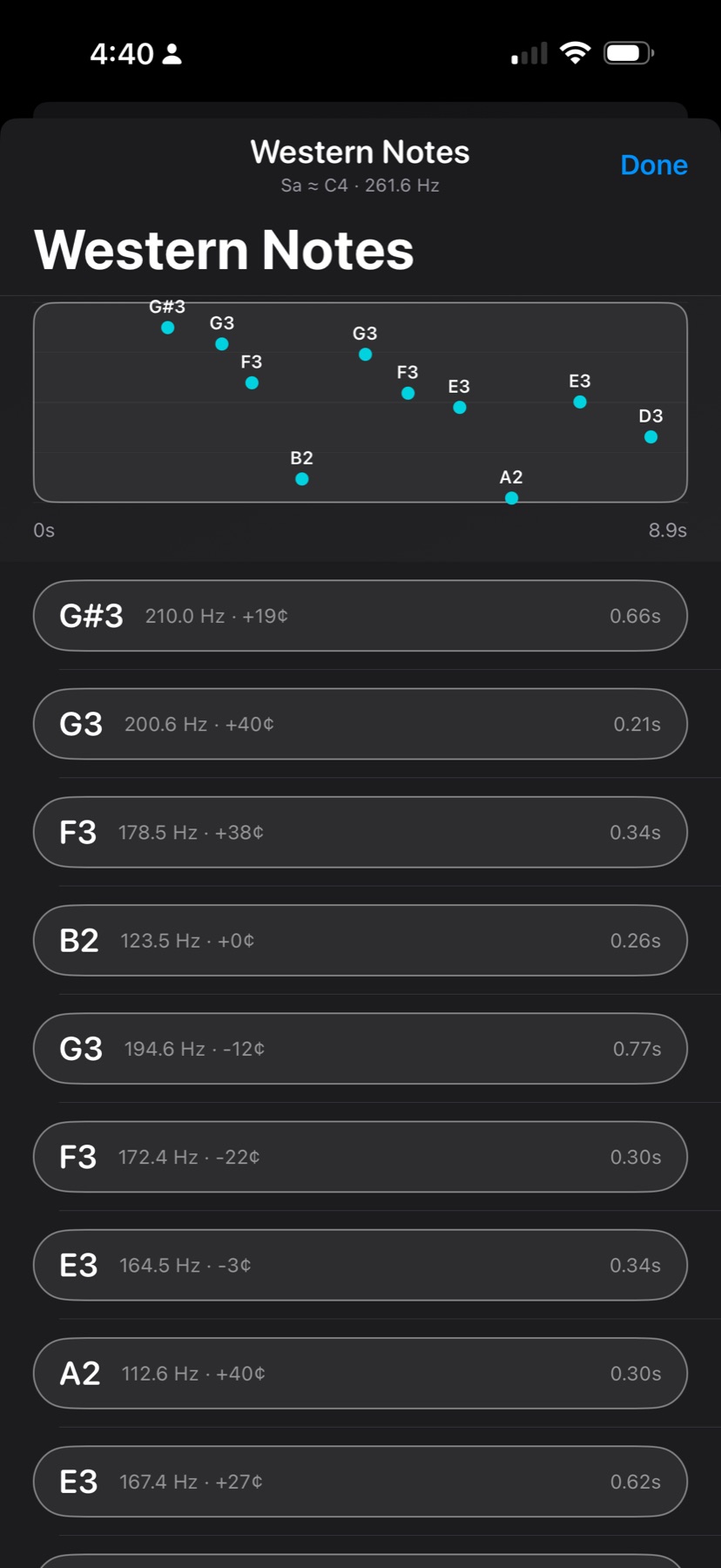
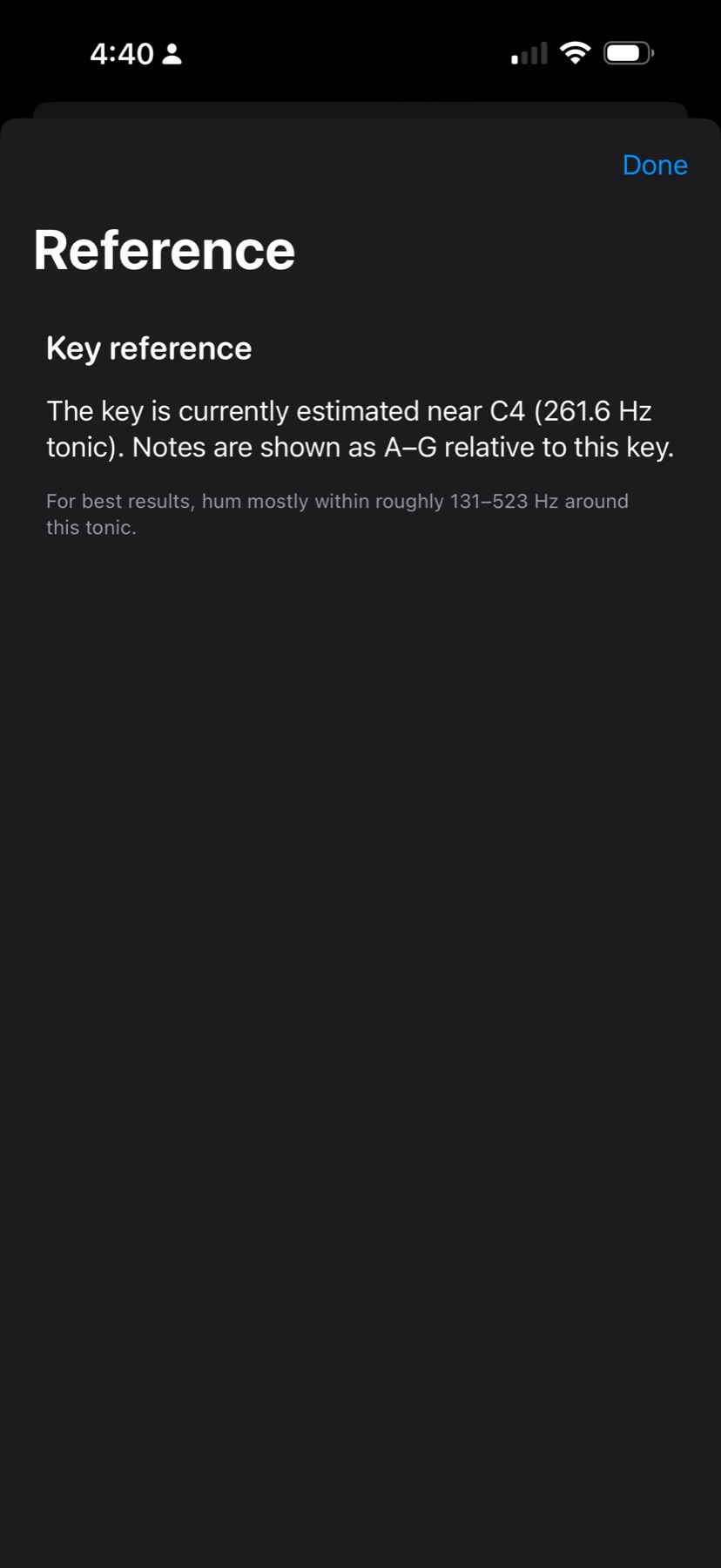
Tip: click any screenshot to open it full size.
Get the app for iPhone from the App Store.
Accuracy depends on recording quality, background noise, and how steady the pitch is. For best results: hum a single melody line, close to the mic, in a quiet room.
No — the app is designed to be lightweight and low-friction.
Visit the Support page for contact options and troubleshooting steps.